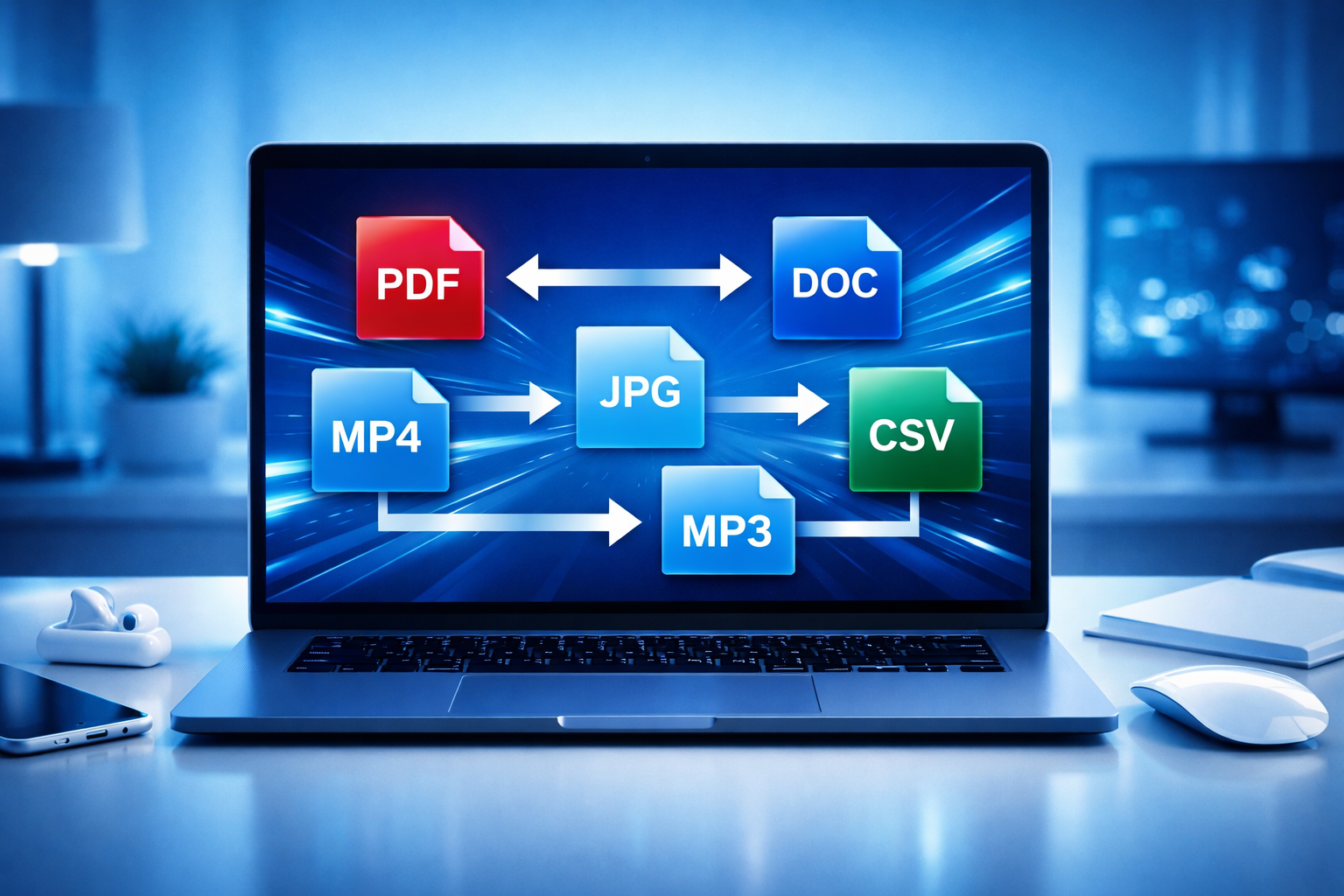
Comprehensive Guide to Online Converter Tools for All Conversions
In today's digital age, the need for versatile and efficient file conversion tools is ever-growing. Whether you're a student, a professional, or someone who frequently navigates the digital landscape, online converter tools have become essential. This guide will explore how you can leverage these tools to maximize productivity and tackle any conversion task with ease.
Why Use Online Converter Tools?
Online converter tools offer a multitude of advantages that cater to the diverse needs of users globally:
- Accessibility: Access these tools from anywhere with an internet connection. Forget about installing bulky software on your devices.
- Cost-effective: Most online converter tools are free, which provides an economical solution for individuals and businesses alike.
- Versatile: They support a wide range of file formats, making conversions between different types hassle-free.
- Ease of Use: With simple interfaces, these tools are designed for users with any level of tech-savvy.
Popular Types of Online Converter Tools
There are several categories of converter tools available online, each serving unique purposes:
PDF Converters
The ability to convert documents into PDF format and vice versa is crucial for maintaining document integrity. This category includes tools that:
- Convert Word documents to PDF and vice versa.
- Transform PowerPoint presentations into PDFs for easy sharing.
- Convert Excel sheets to PDF for professional presentations.
Image Converters
Image converters allow users to change file formats, ensuring compatibility and ease of use. They commonly support conversions between JPG, PNG, GIF, and BMP formats.
Audio and Video Converters
As multimedia consumption increases, the demand for online audio and video converters grows. These tools help users convert audio files between MP3, WAV, AAC, and more, as well as video formats like MP4, AVI, and MOV.
How to Choose the Right Converter Tool
With so many options available, selecting the right converter tool can be daunting. Consider these factors:
- Functionality: Ensure the tool supports the specific conversion you need.
- User Reviews: Look for feedback from other users to gauge reliability and performance.
- Security: Check if the tool provides end-to-end encryption, especially for sensitive files.
- Speed: Select tools that offer fast conversion times without quality loss.
- User Interface: A clean, easy-to-navigate interface improves the conversion experience.
Exploring Converter Mall: Your All-in-One Solution
Converter Mall stands out as a leading platform offering an all-in-one solution for file conversion needs. Here's why it should be your go-to choice:
- Wide Range of Tools: Access a comprehensive suite of converters for documents, images, audio, and video.
- User-Friendly Design: Its intuitive interface ensures anyone can use it, regardless of technical expertise.
- Reliable Performance: Convert files quickly without compromising on quality.
- Secure Processes: With robust security measures, your data remains safely protected.
Steps to Convert Files Using Online Tools
Follow these simple steps to convert files using any reliable online converter tool:
- Choose the Right Converter: Start by selecting a tool that specializes in your desired conversion type.
- Upload Your File: Use the upload feature to select the file you wish to convert.
- Select Output Format: Choose the format you want the file converted into from the options provided.
- Execute and Download: Click on the 'Convert' button and wait for the process to complete. Download your newly converted file.
Conclusion
Online converter tools have revolutionized the way we handle file conversions, offering convenience and efficiency. As you explore different tools, Converter Mall provides a robust solution that meets diverse needs across multiple sectors. Whether for business, education, or personal use, you can convert files with confidence and ease, streamlining your digital workflow effectively.
Comments (0)
Leave a Comment